The AccelerAgent Website
Keep your clients secured. Keep them engaged. Keep them on your website.
Need better Relationships?
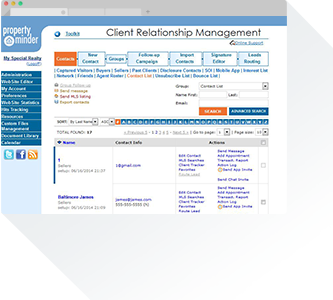
Easy to Use
Our easy-to-use CRM will organize your entire database, keep clients informed, and increase your response time to their real estate needs.
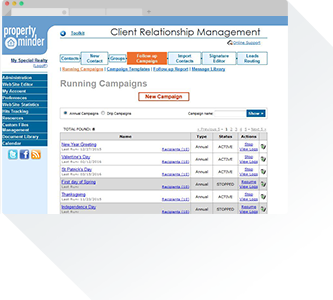
Branded Personalized Automation
Email your entire database in the same amount of time that it would take to email one client. Each branded email your clients receive will include your photo, contact information, and links to your AccelerAgent website.
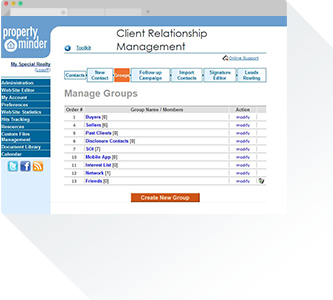
Organizer
Create custom CRM groups. Organize these groups and tailor your marketing around their customer status and personal interests.
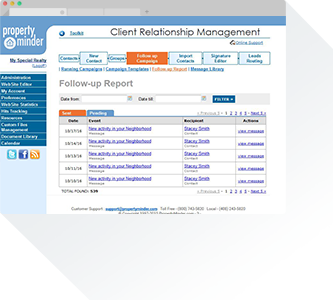
Task Manager
Set up all communication with your clients by using the AccelerAgent Follow-up. This unique feature will simplify your daily tasks and schedule.
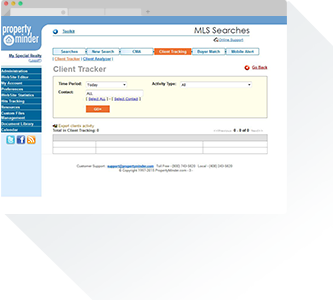
Monitoring
Your entire database will be continuously tracked and monitored. This includes when they open emails, view new listings, or check their neighborhood activity. AccelerAgent Monitoring will help you strategically reach out based on their online activity.
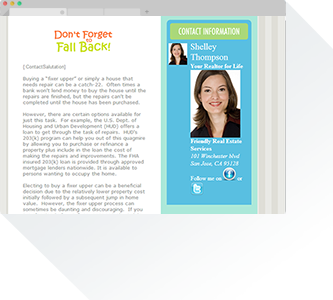
Drip marketing
Automate the marketing you send to your buyers, sellers, and referrals with our professional email templates. With hundreds of graphic templates to choose from, your drip campaigns will match every season, any holiday, and your branding.
Calendar
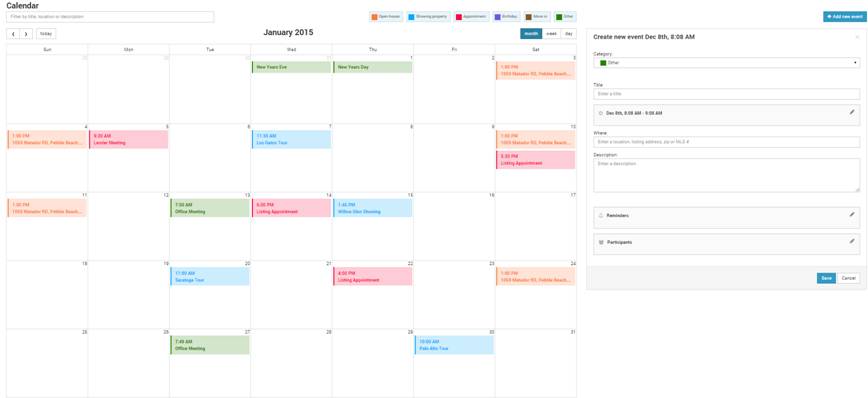
Your AccelerAgent website includes an easy-to-use personal calendar to manage your daily, weekly, and monthly tasks. Each color-coded event will notify you and any participants of its start time, via email or text, prior to the event.
Stay on top of your schedule, your to-dos, and your clients with the all-inclusive AccelerAgent Toolkit.